Animation
An animation is an ordinary loop: read the snapshot from the previous tick(), update
variables, draw, then call tick() to present the result and prepare the next input frame.
from drawzero import *

x = 50
while True:
    x += 5
    if x > 1100:
        x = 50
    clear()
    filled_circle(C.orange, (x, 300), 40)
    tick()
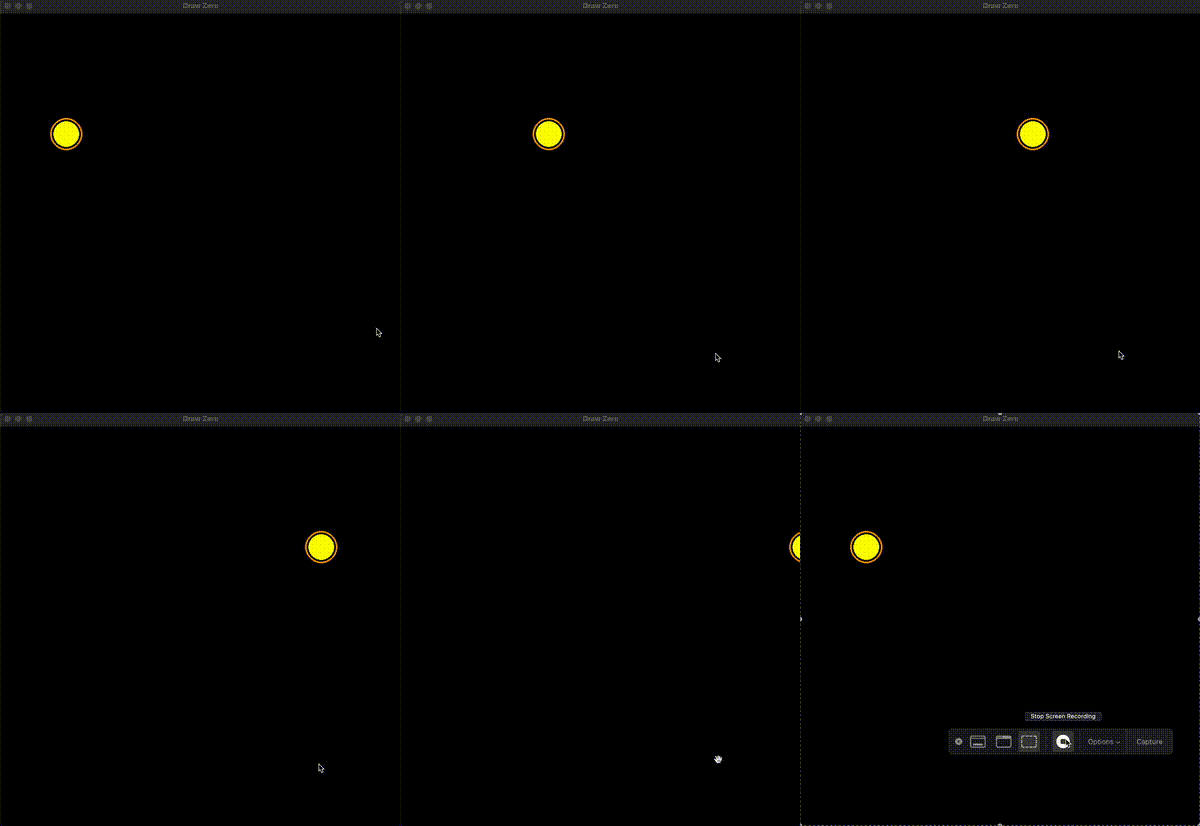
Timing
tick(r=1, *, fps=30) presents once, then waits and polls r times. The default rate
limit is 30 FPS; tick(fps=60) requests 60 and tick(fps=0) runs uncapped. Computation
and drawing count toward each interval; slow work cannot be made faster by a rate limit.
Negative and non-finite rates are invalid. The return value is None.
tick(60) still performs 60 polls; it does not select 60 FPS or update your variables
60 times. One public call publishes one accumulated input frame. sleep(t=1) performs
int(t * 30 + 0.5) polls with a 30 FPS limit, preserving responsiveness and all received
input. tick(0) and sleep(0) present and clear transient input without polling.
Clearing and trails
clear() wipes the canvas to black. fill(color, alpha=255) fills it with a color;
lower alpha fades the old drawing instead of erasing it immediately.
from drawzero import *

x = 0
while True:
    x = (x + 5) % 1000
    fill(C.black, alpha=30)
    filled_circle(C.cyan, (x, 500), 20)
    tick(fps=60)
fps(fontsize=24) draws a frame-rate indicator. It does not select a rate.
quit() closes the window; further drawing cannot reopen it. A static drawing remains
open until closed. Call tick() regularly so the finite backend queue can be processed.
See keyboard and mouse input for snapshots, events,
focus cancellation, and runnable interactive examples.